Chapter 4
Example app
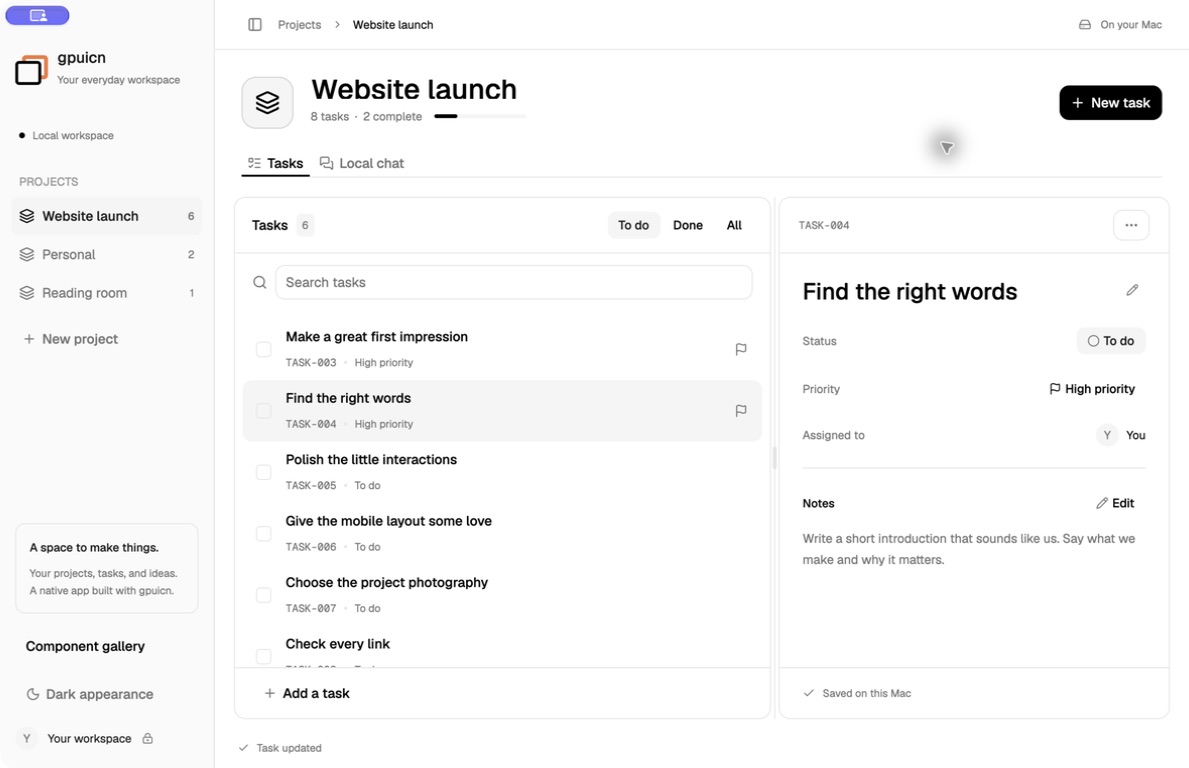
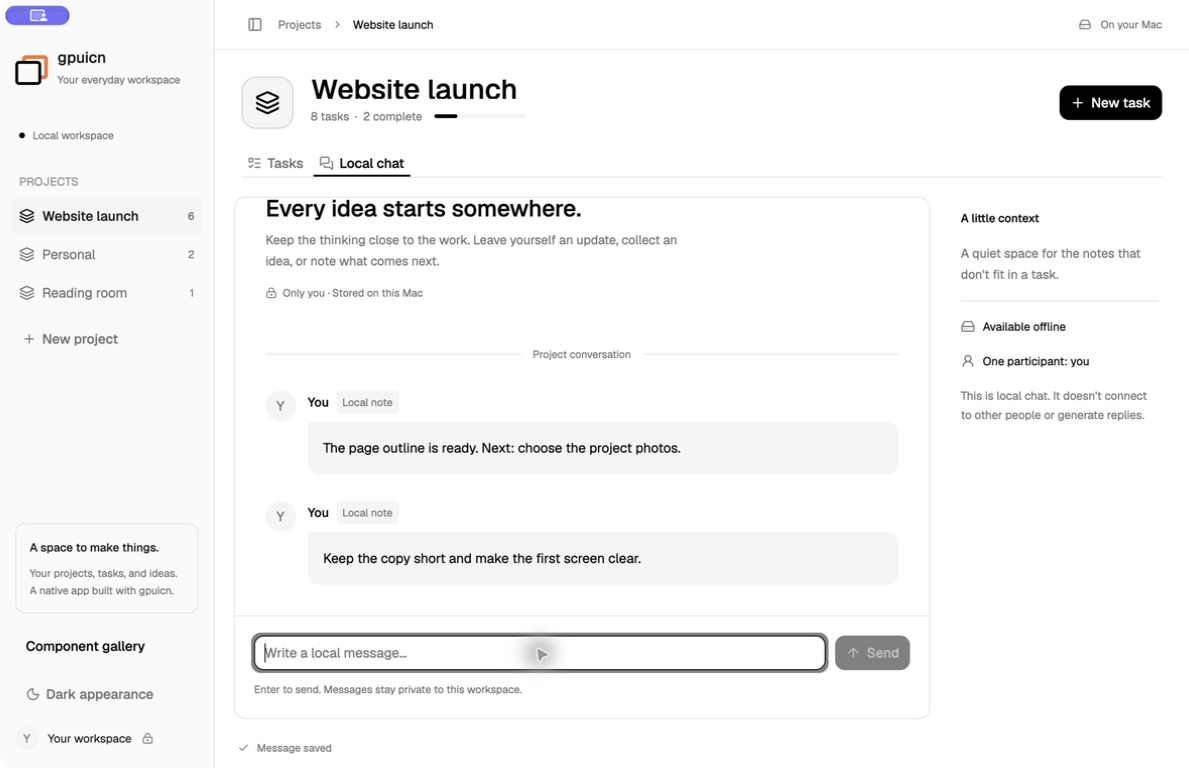
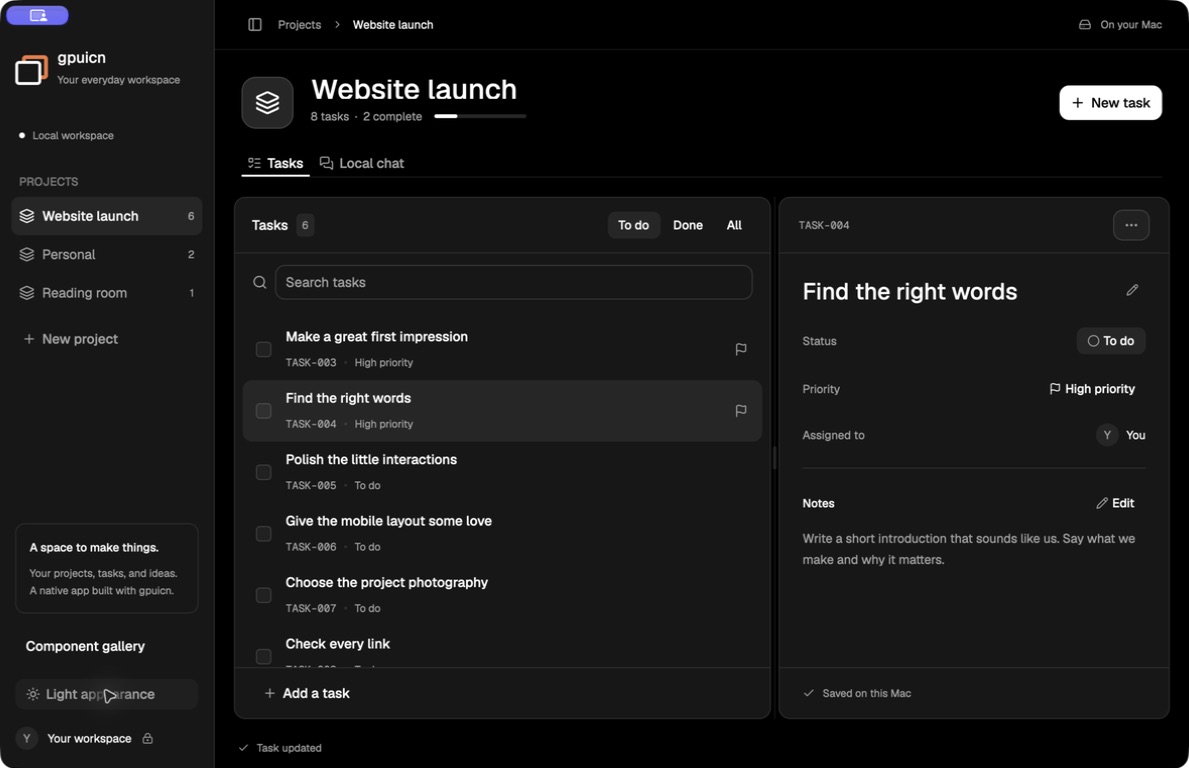
gpuicn Workspace is a small desktop app built from this catalog: projects, tasks, and notes, saved on your computer.
This macOS build is not notarized, so macOS may refuse to open it.
What it does
Workspace keeps projects, tasks, and notes in a local file. There is no account and no network access. Local chat is a message log per project. It does not connect to other people and does not generate replies.
The macOS build is signed and notarized by the release workflow. The Linux builds are a preview and need testing.
Install
On macOS, unzip the download, move gpuicn Workspace to Applications, and open it.
On Linux, extract the archive and run ./gpuicn-workspace from its folder. The
release page lists the Linux
dependencies and checksums.
Run from source
From a checkout of the gpuicn repository, on macOS:
cargo run --release -p gpuicn-showcase --features gpui_platform/runtime_shadersOn Linux, with the build dependencies from Installation:
cargo run --release -p gpuicn-showcase --features gpui_platform/x11,gpui_platform/wayland